IDE Setup
CLion
C++ is powerful but tricky. JetBrains’ CLion makes the setup easier so you can focus on logic.
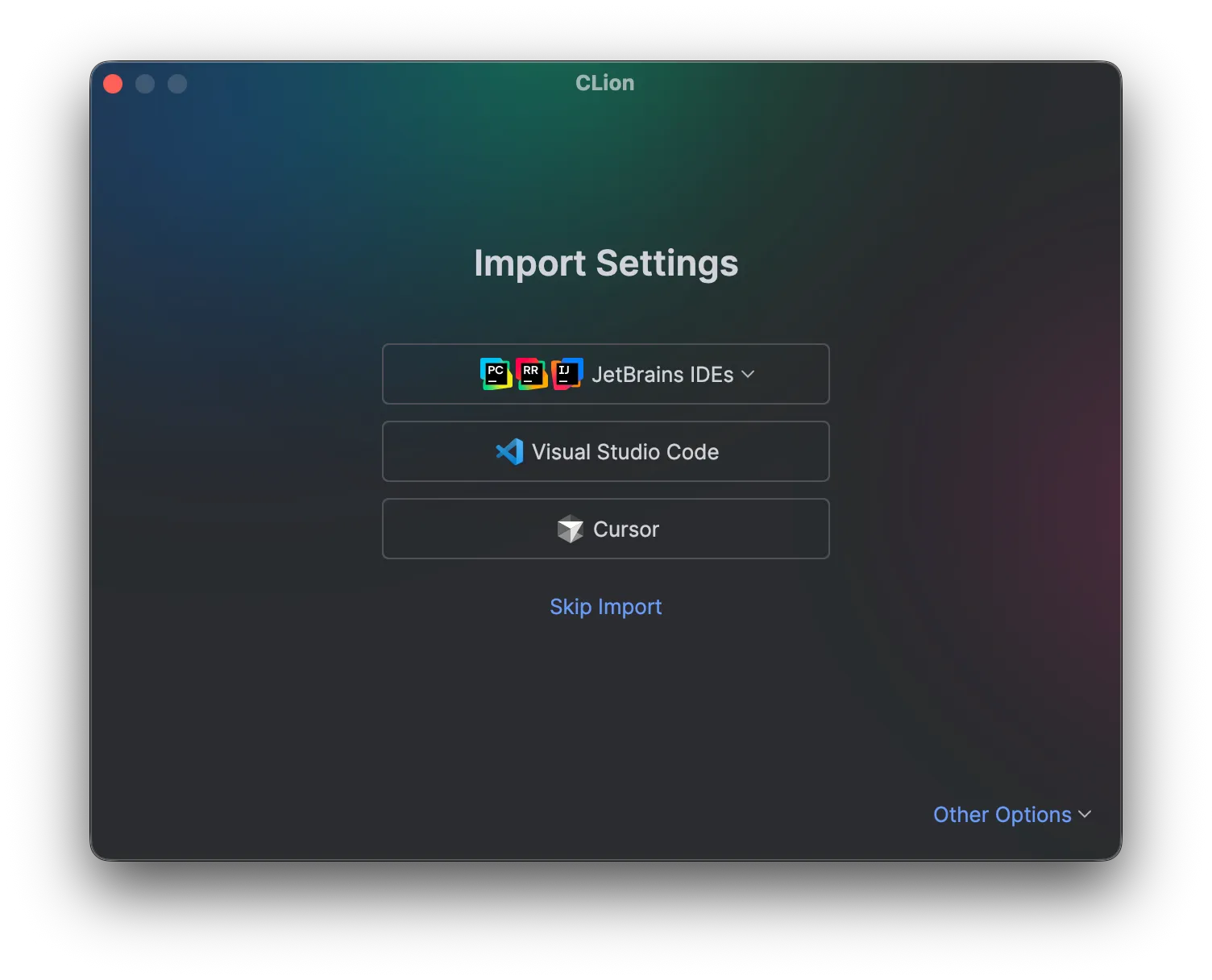
After installation, you may see this screen.
Click Skip Import and move on.
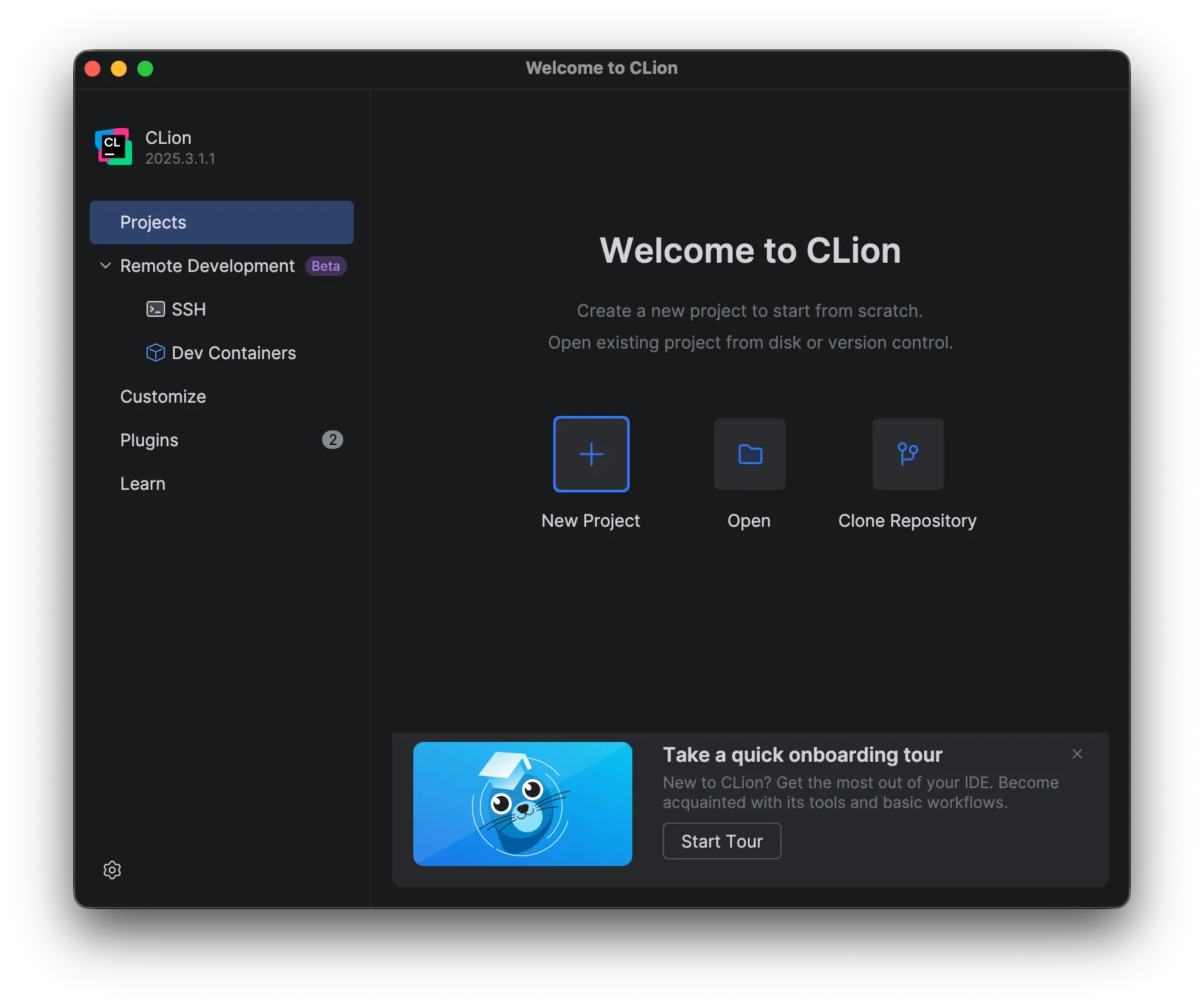
On the first screen, click New Project.
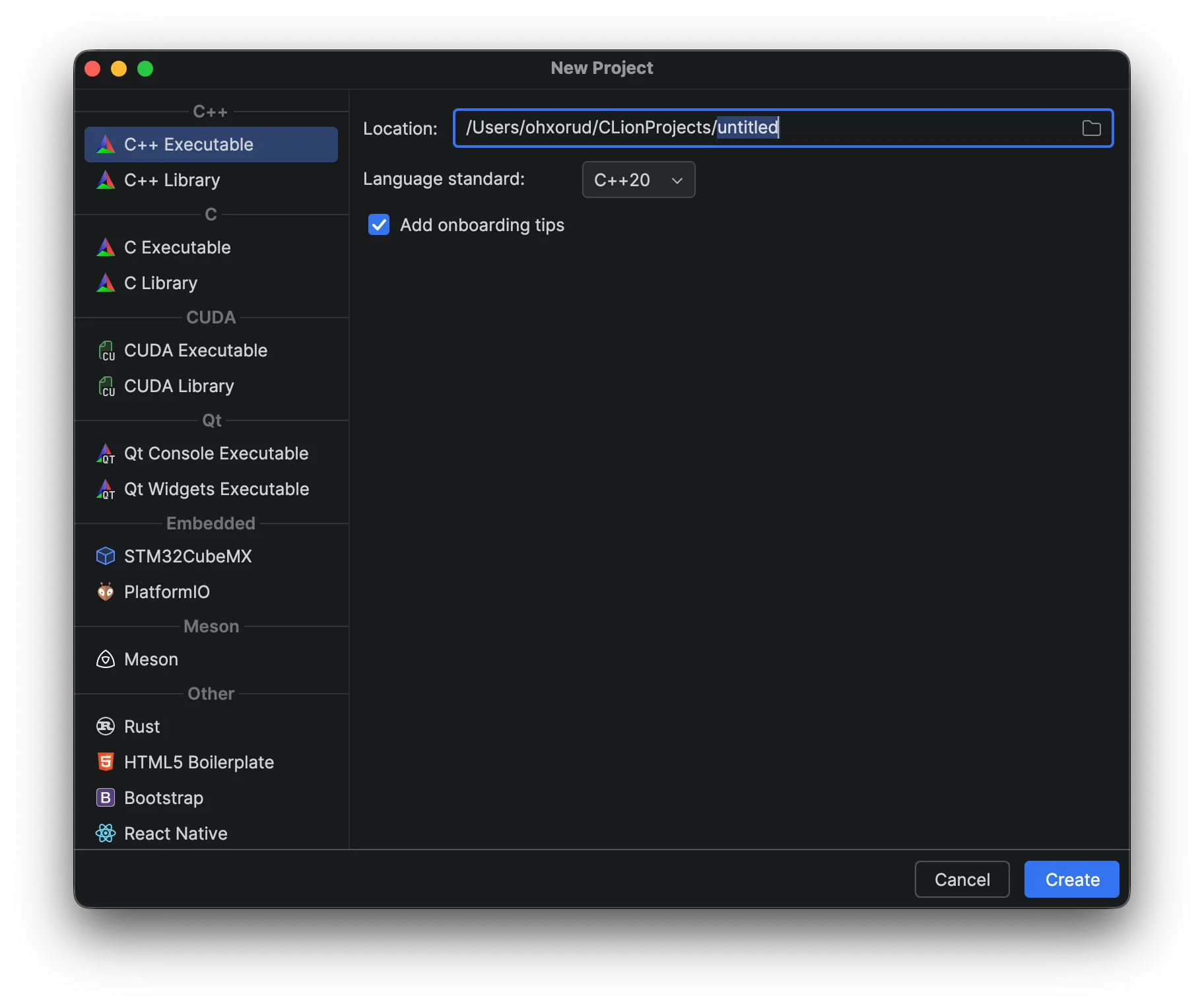 Delete “untitled”, type your project name, and click Create.
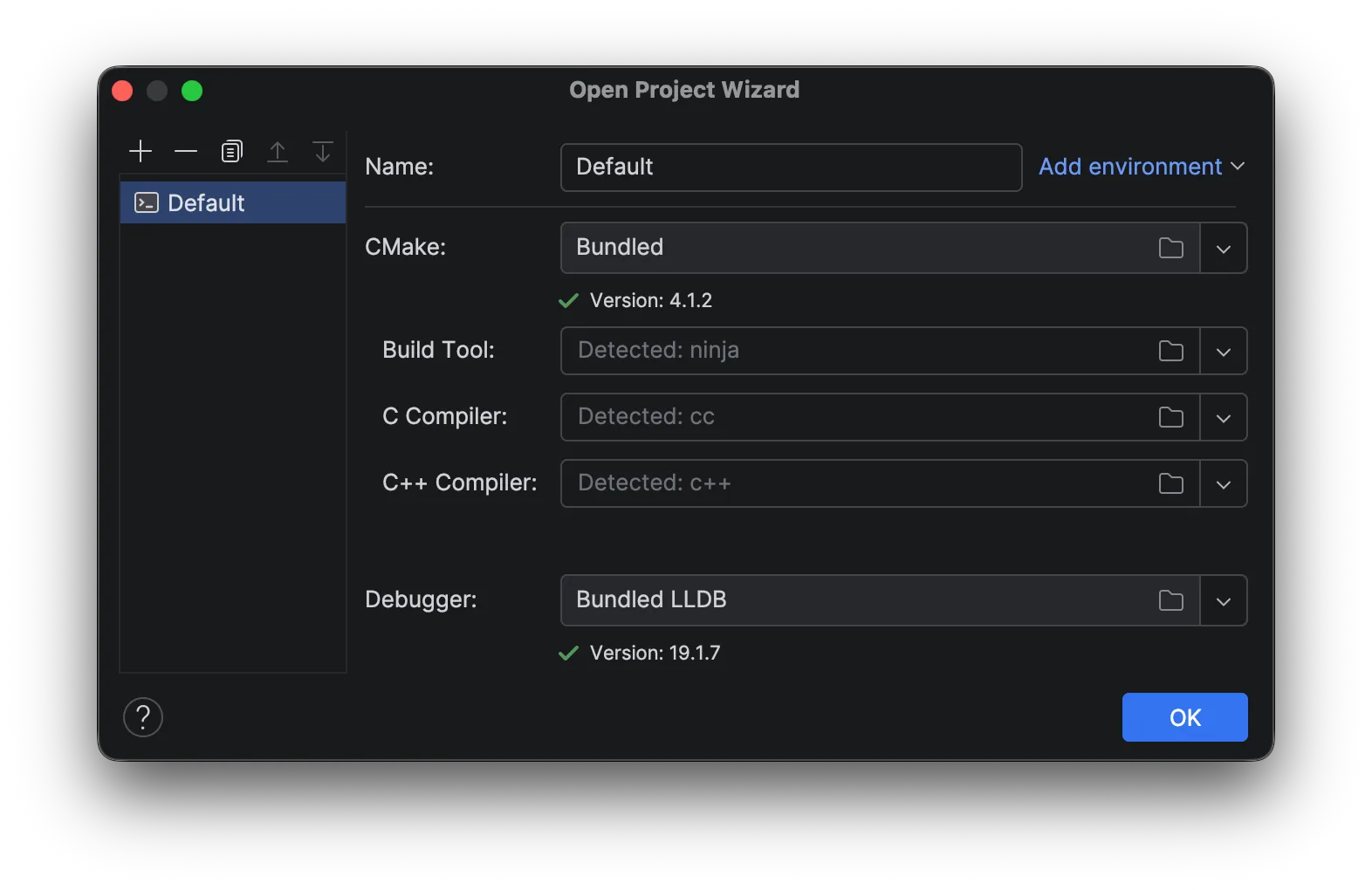 If you see a complex window like this, wait a moment until everything shows Detected.
Then click OK.
If you see a complex window like this, wait a moment until everything shows Detected.
Then click OK.
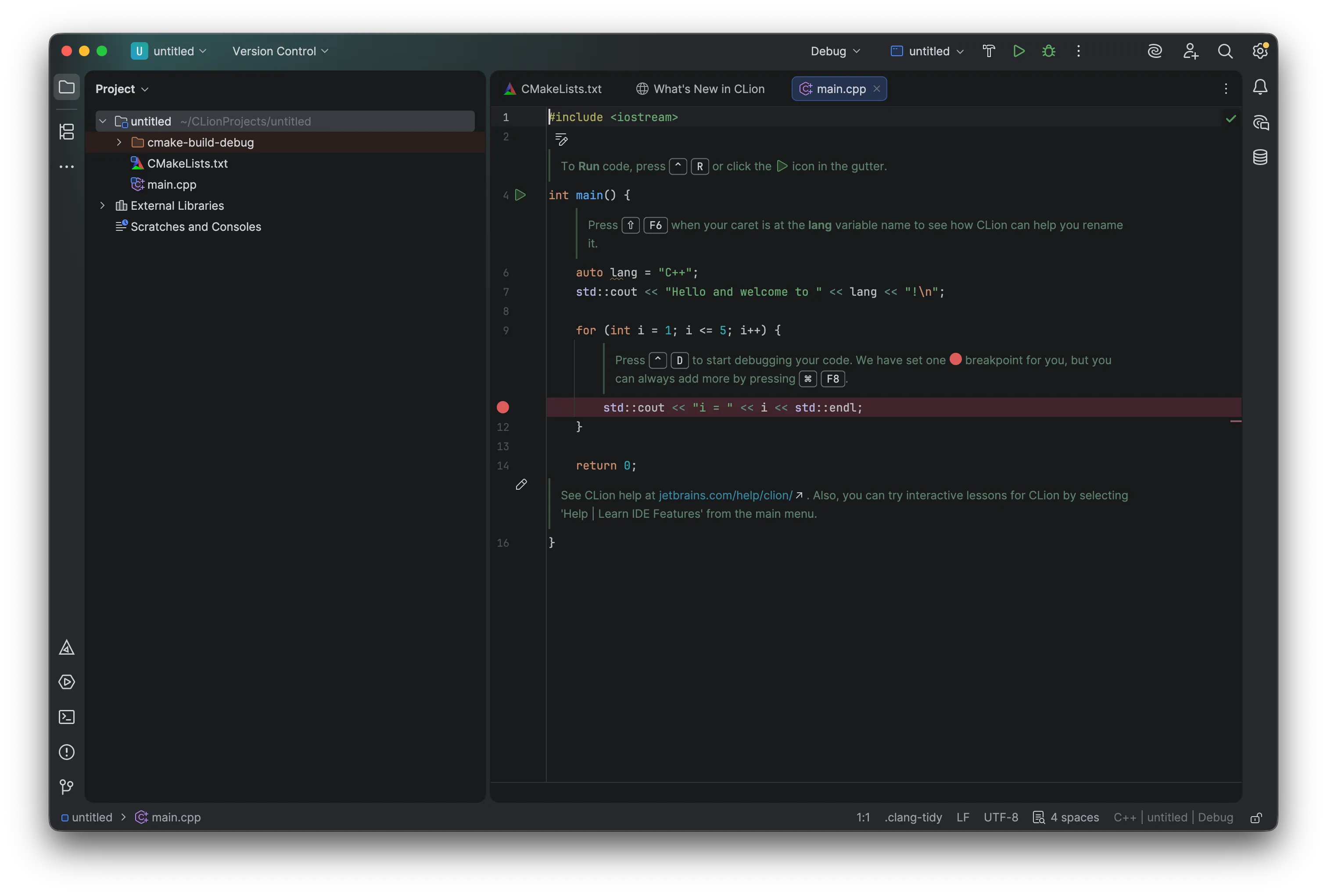
If you see this, installation is complete.
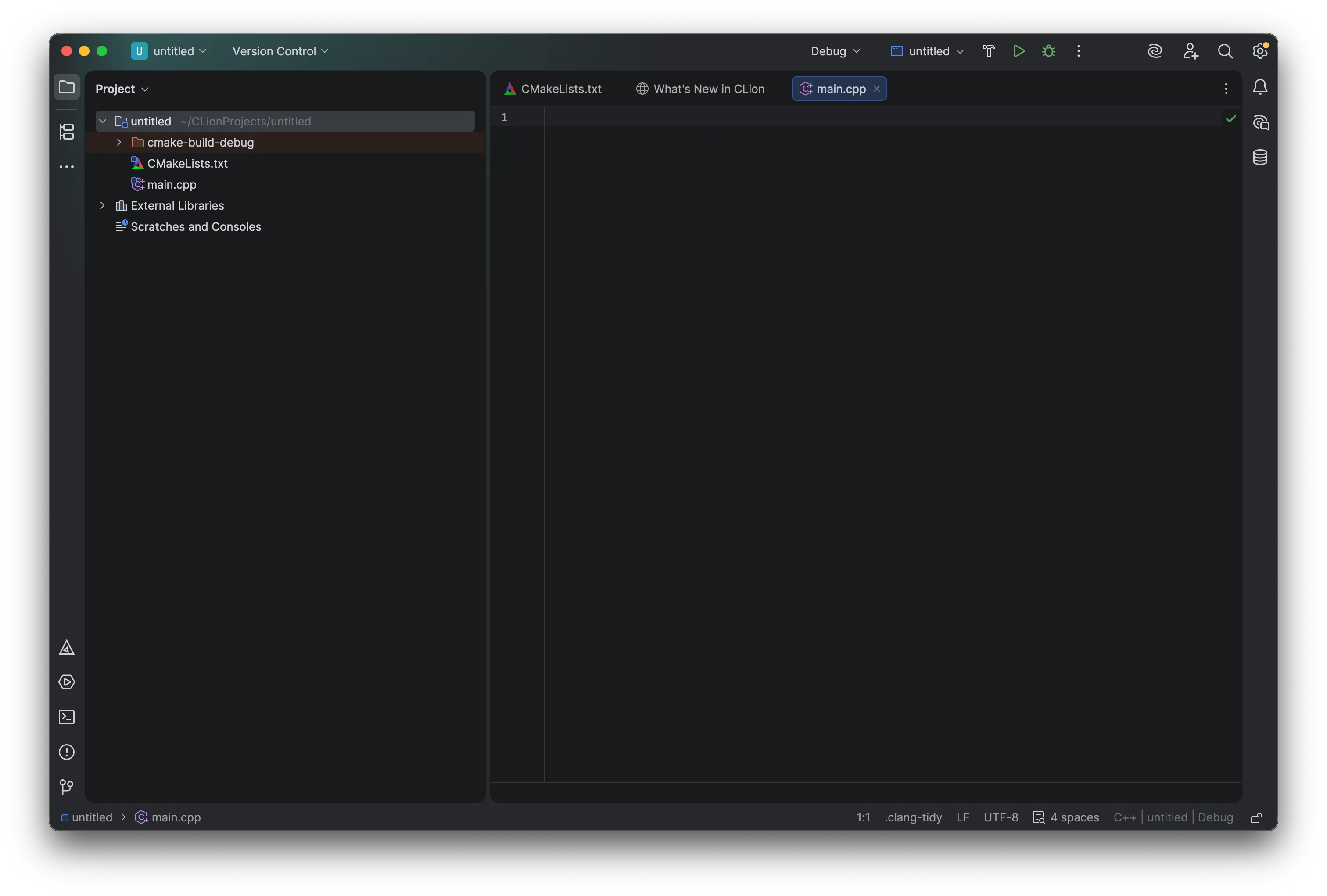
Delete all the default code and continue.