Hello, Java!
Now it is time to write some Java code. Java is a bit formal, so there are a few extra words to type at the start.
But we have the magic of IntelliJ.
Type just main.
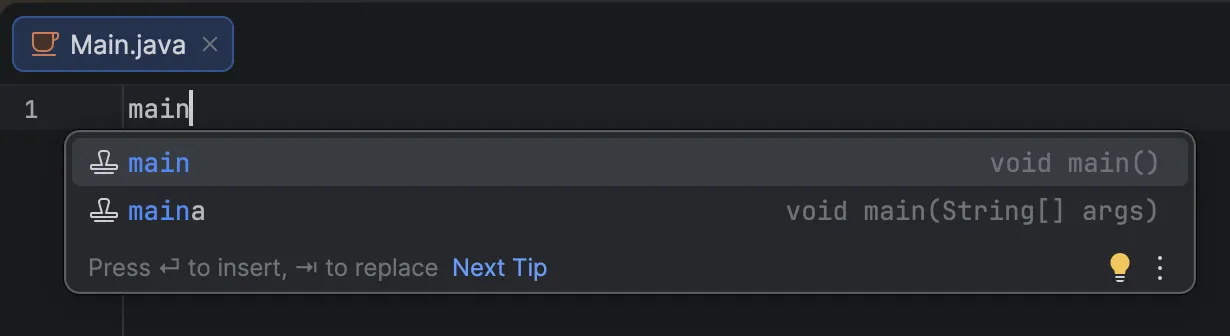 Press Enter, and:
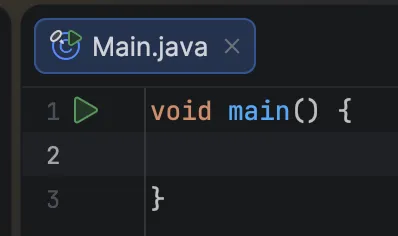
The basic code appears automatically.
Now type sout.
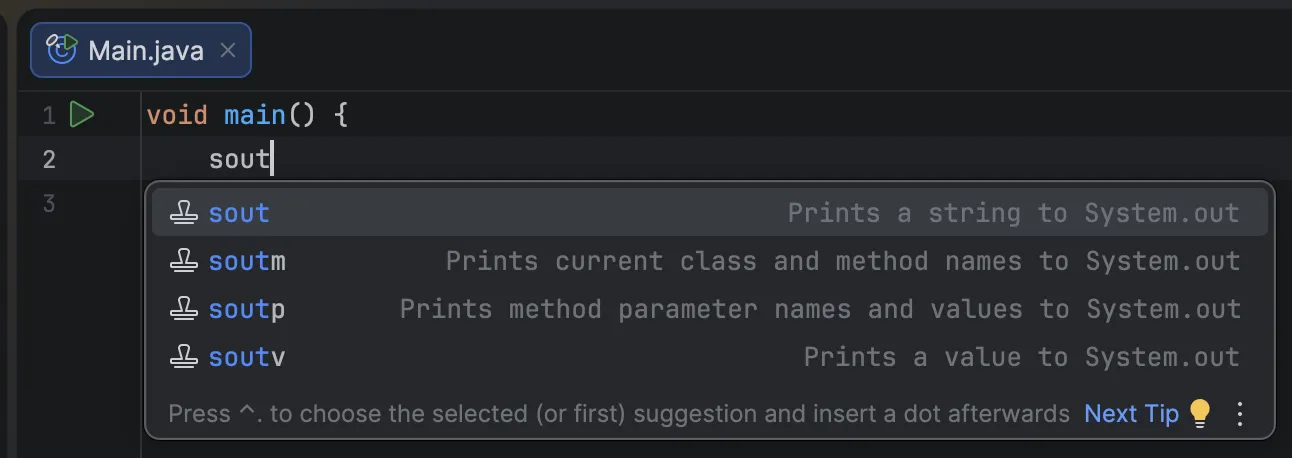
The long line System.out.println(); appears instantly.
Now make your code match the following:
void main() {
    System.out.println("Hello, Java!");
}
Press the green play button to run it.
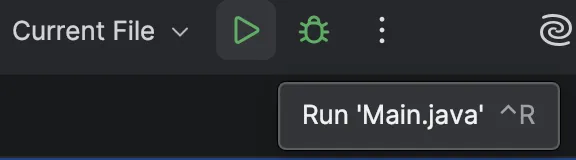
If you see Hello, Java!, you are successful.
Wait, what does this mean?
void main()means “run this code first.” We will explain it in more detail in the final part of this course, “Package Structure.”
System.out.println("Hello, Java!");In plain English, this means:
Print "Hello, Java!" to the system output and move to the next line.print means output, and ln is short for “line,” which means move to the next line.
We will go deeper in the final part of this course, so for now just keep this light and simple.