Errors and Live Help
As you code, IntelliJ will show red lines. Kotlin tries to stop mistakes before they happen.
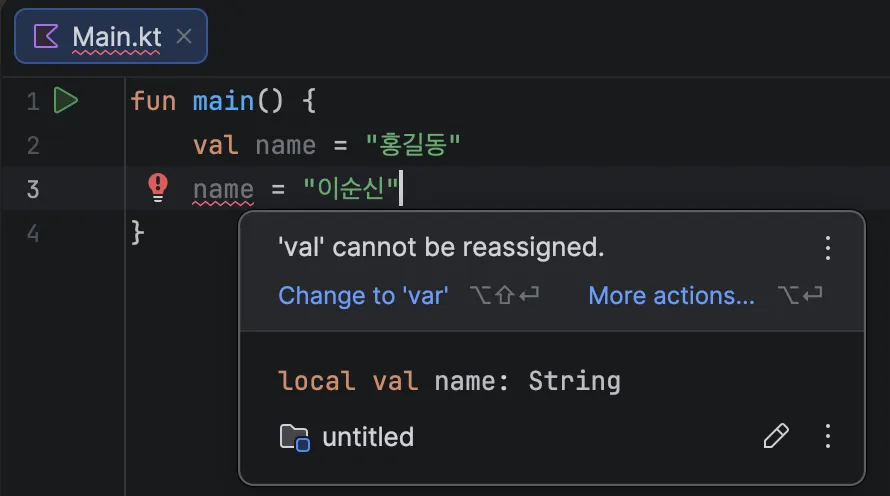
Common errors
1. Trying to change a val
val name = "Alex"
name = "Sam" // (Error!) val cannot be changed!
Kotlin will complain: “You said it would never change, so why are you changing it?”
In this case, change val to var.
2. Using something that is null
Kotlin is very sensitive about “empty” values (null). If you try to use an empty box, it warns you first.
Listen to IntelliJ
Hover your mouse over the red or yellow underline.
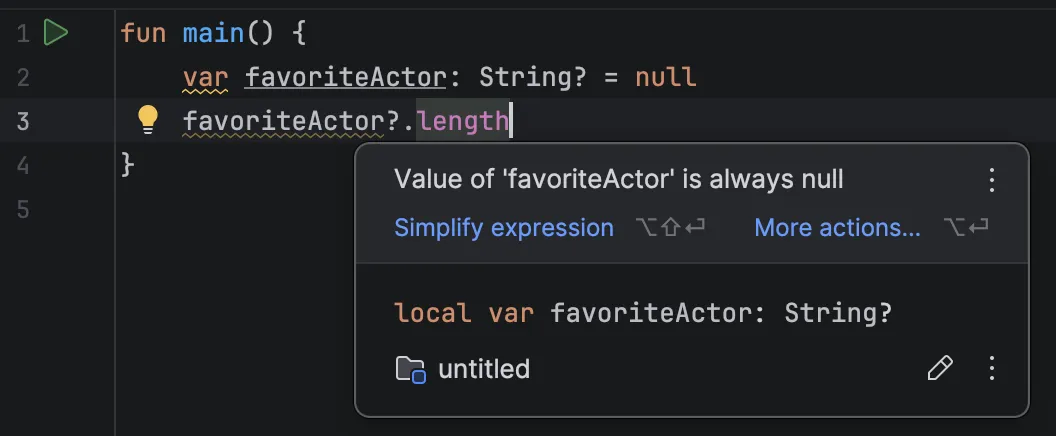 It will say “This is wrong” and “Try this fix.” Press Alt + Enter and it can even fix the code for you.