IDE Setup
IntelliJ IDEA
Kotlin was created by JetBrains, the same company behind IntelliJ IDEA.
IntelliJ is one of the best tools for Kotlin and Java development.
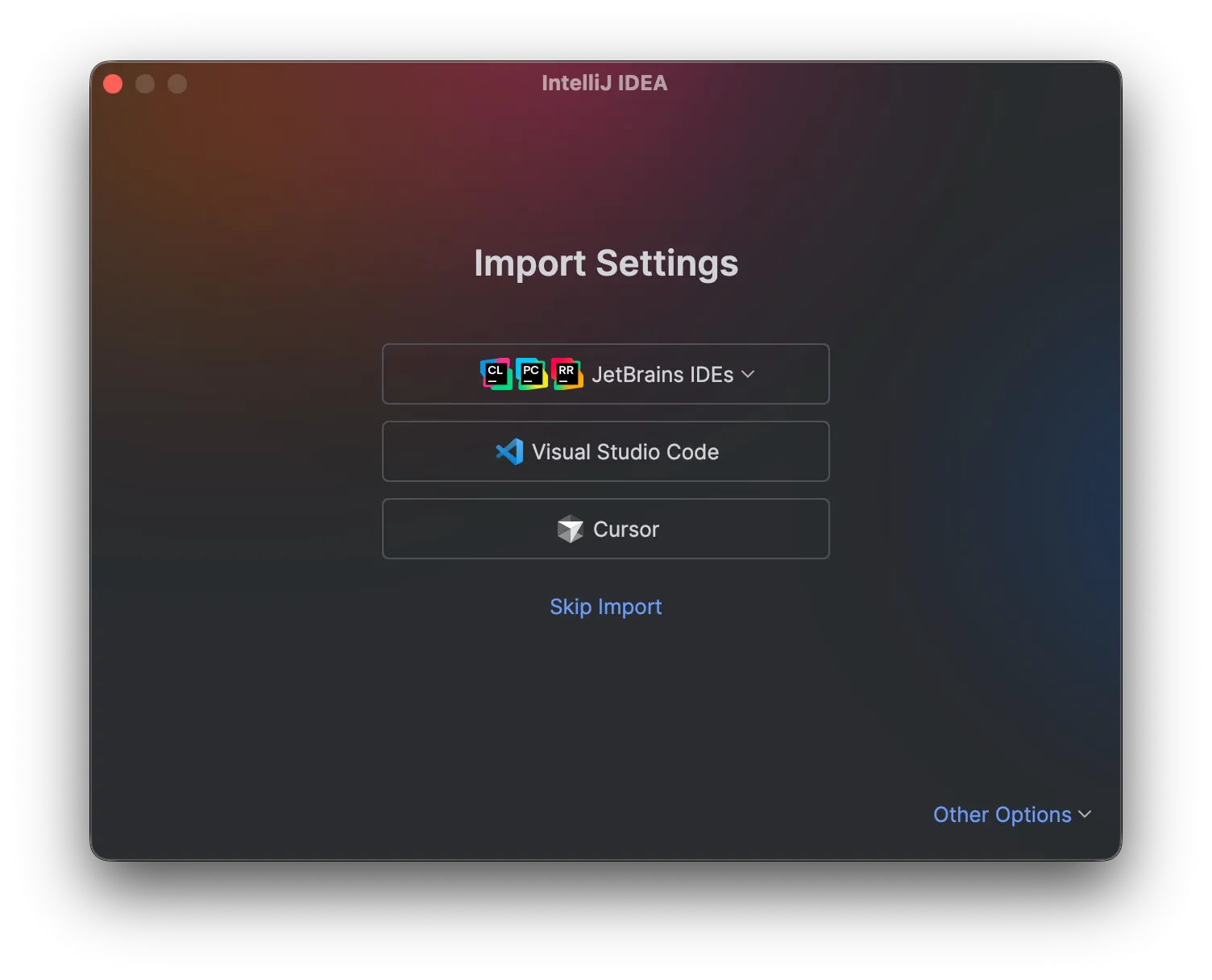
If you see this screen after installation, just click Skip Import.
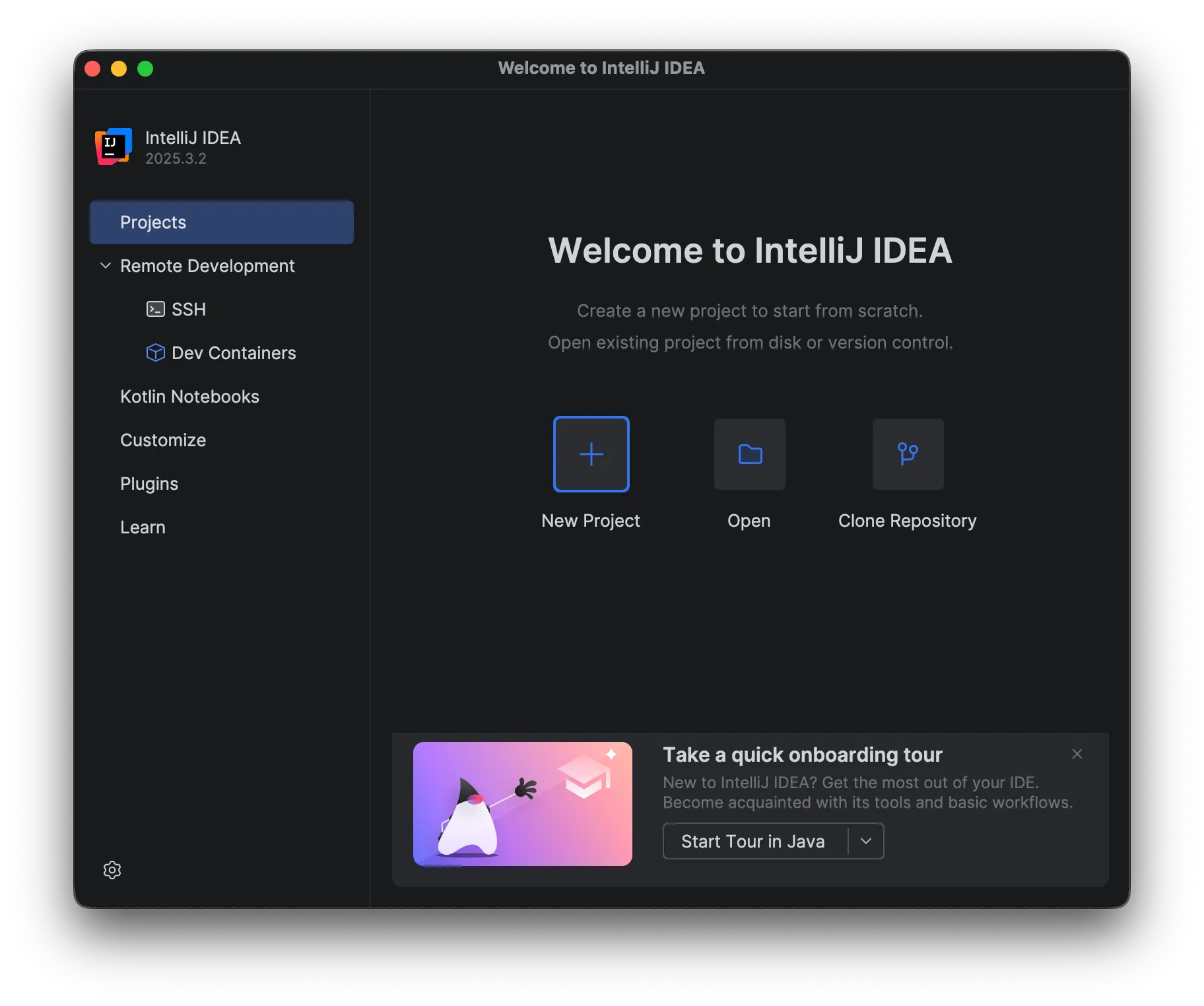
On the first screen, click New Project.
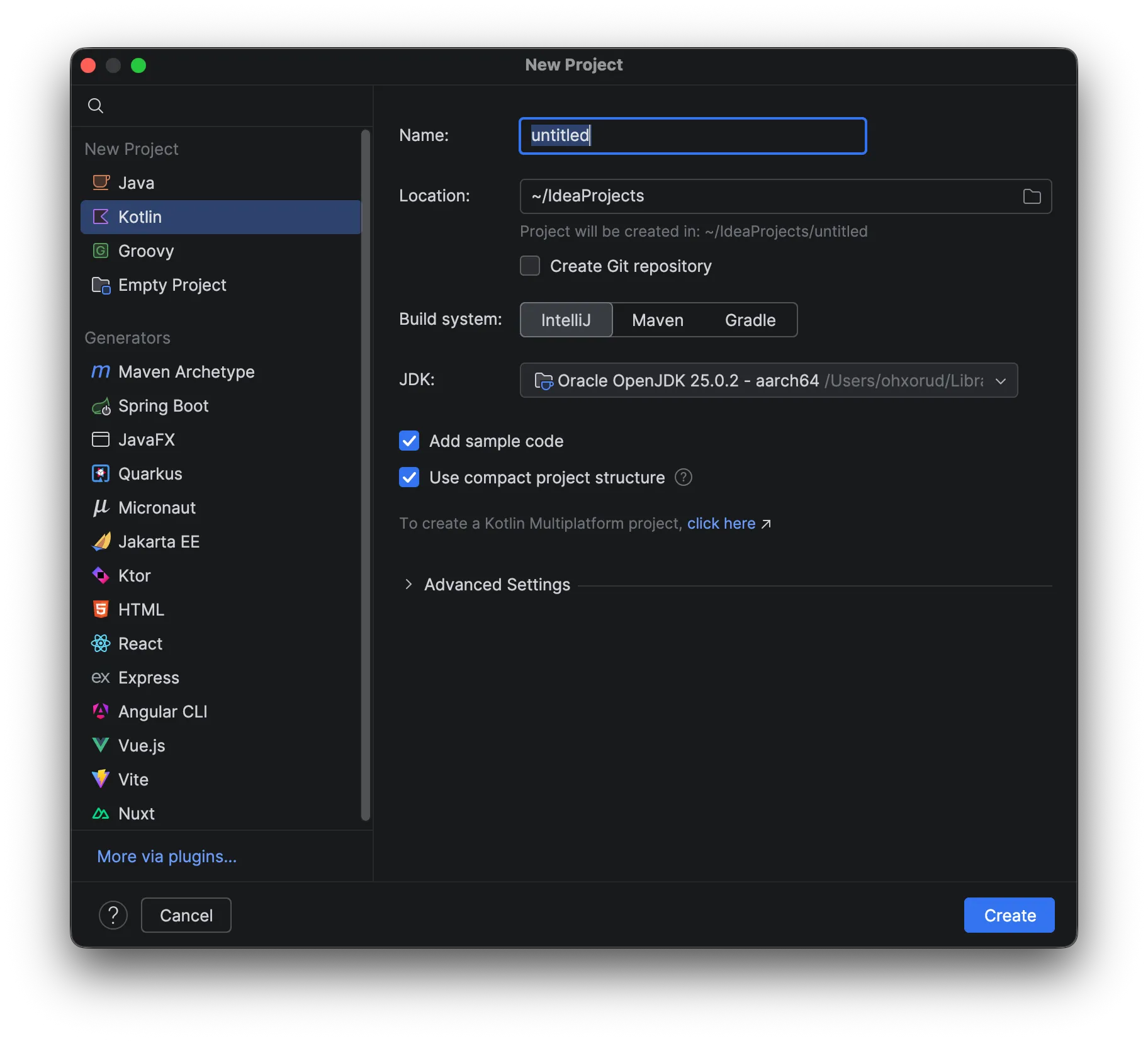
Choose Kotlin as the language and enter your project name. For Build system, IntelliJ is fine for now. If you need a JDK, click “Download JDK.”
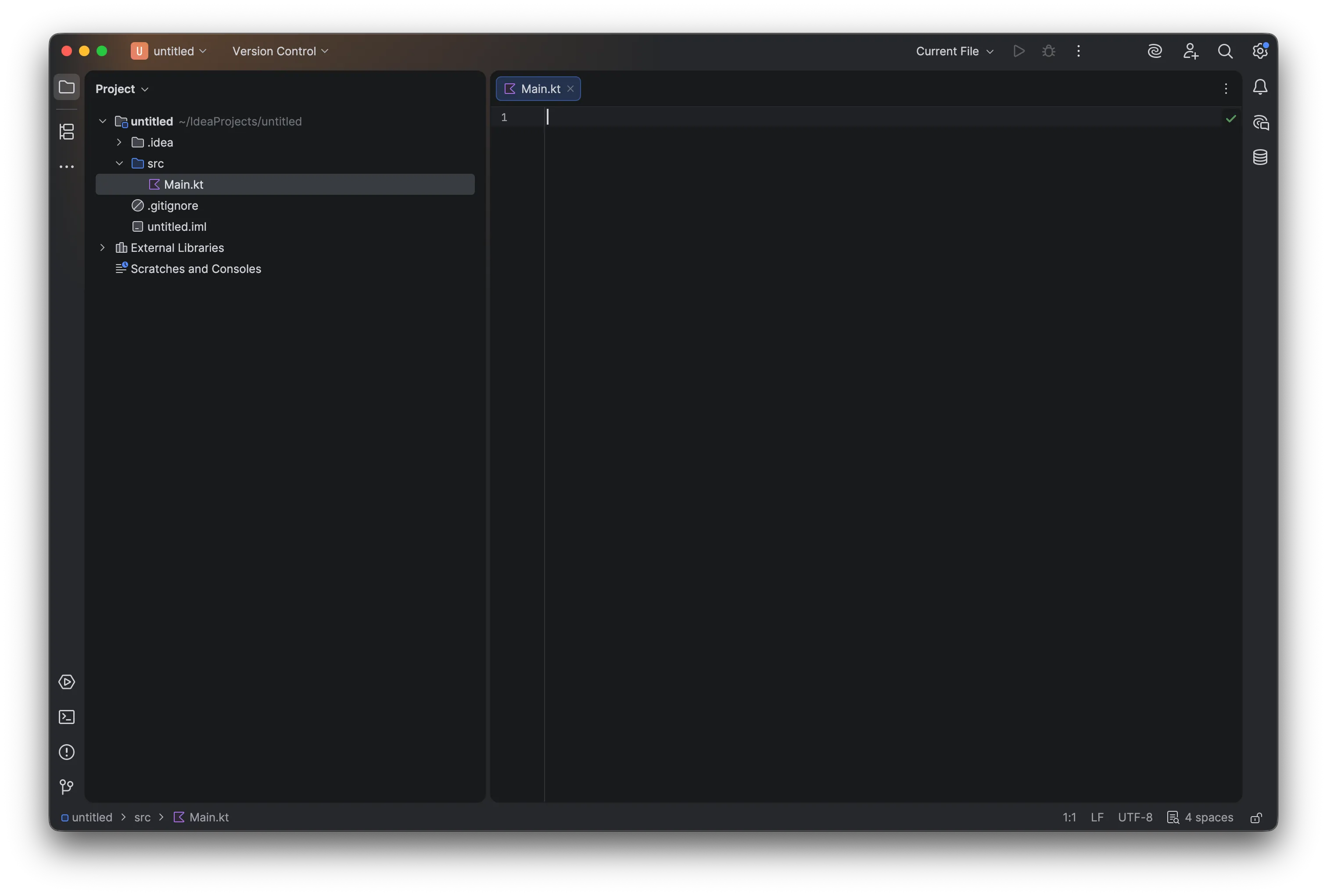
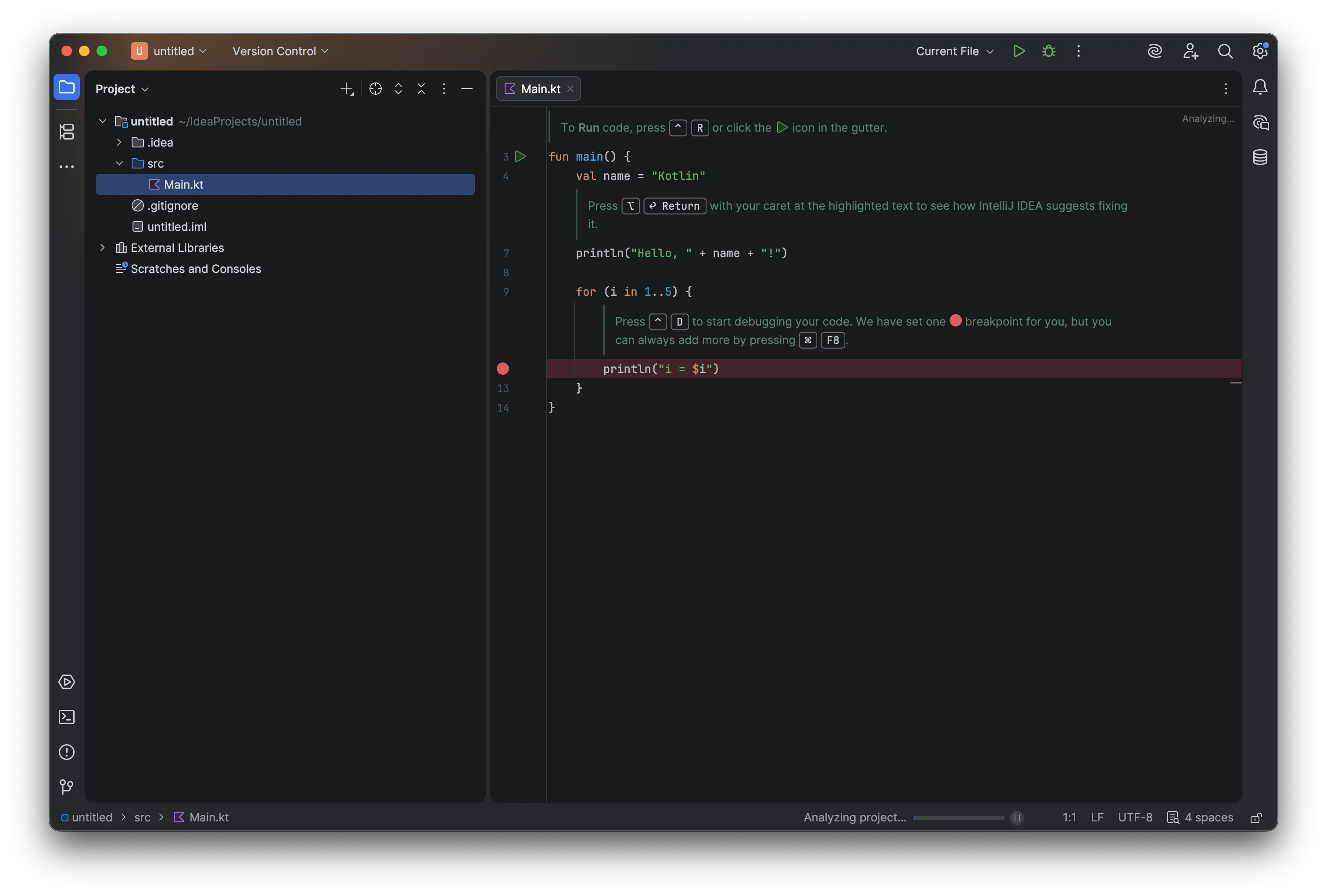 If you see a clean new project window, you are ready to meet Kotlin’s magic.
Before moving on, delete all default code.
If you see a clean new project window, you are ready to meet Kotlin’s magic.
Before moving on, delete all default code.