IDE Setup
Which one should we use?
There are many IDEs for Python.
Here, we will use PyCharm because it is easy to install and very powerful.
When you first install PyCharm, you might see a screen like this (or you might not).
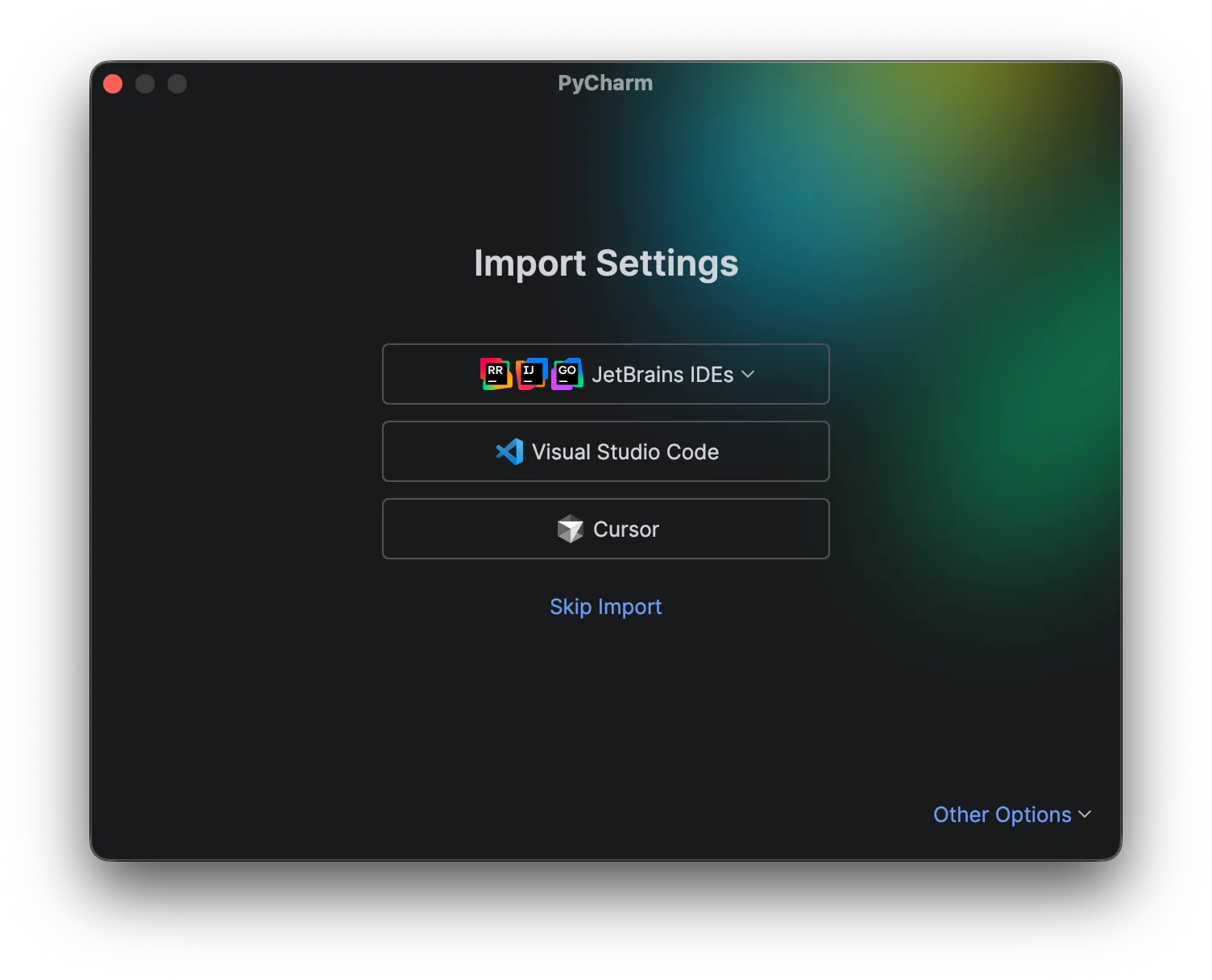 If it appears, just click Skip Import.
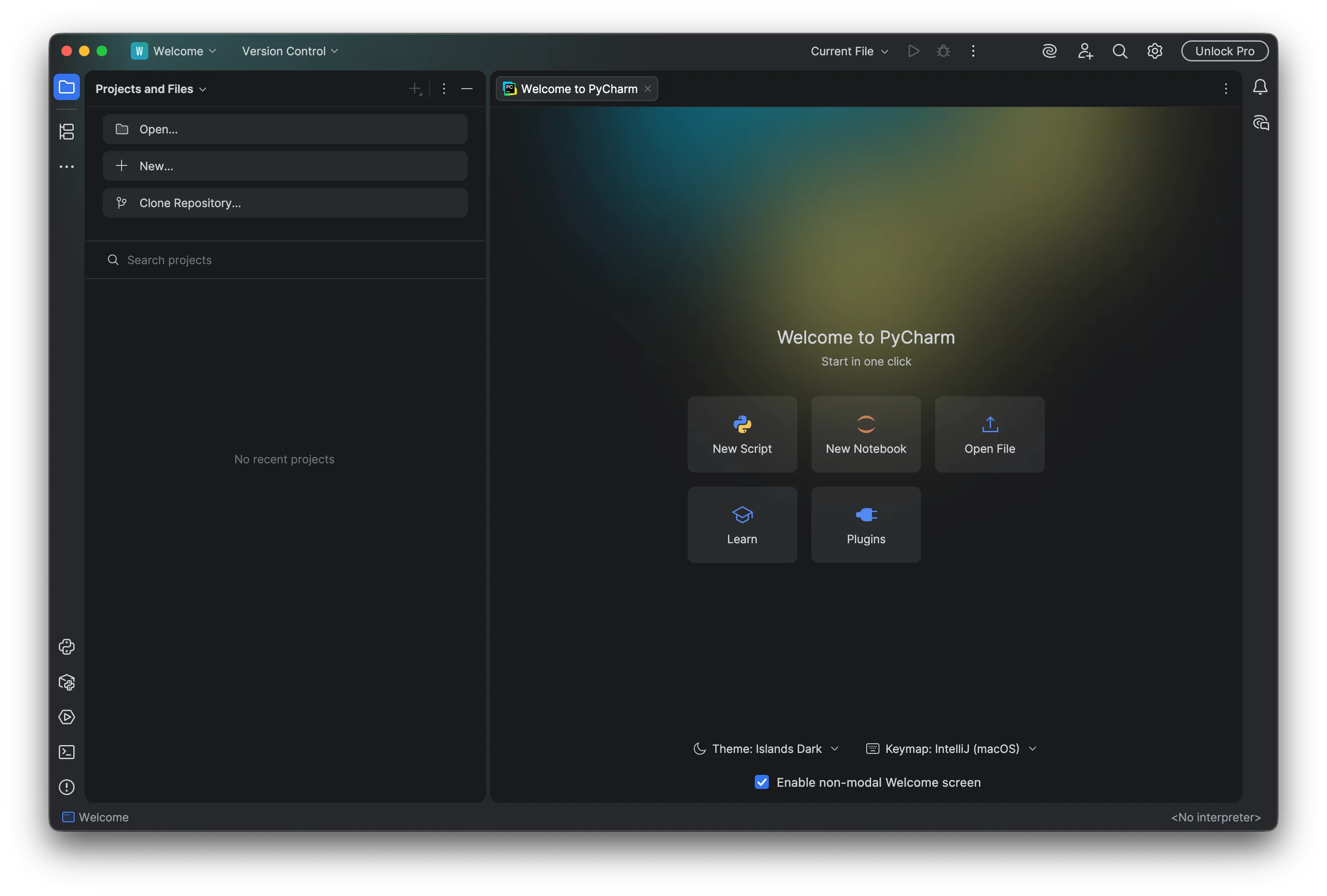 If you see this screen, click New Project at the top.

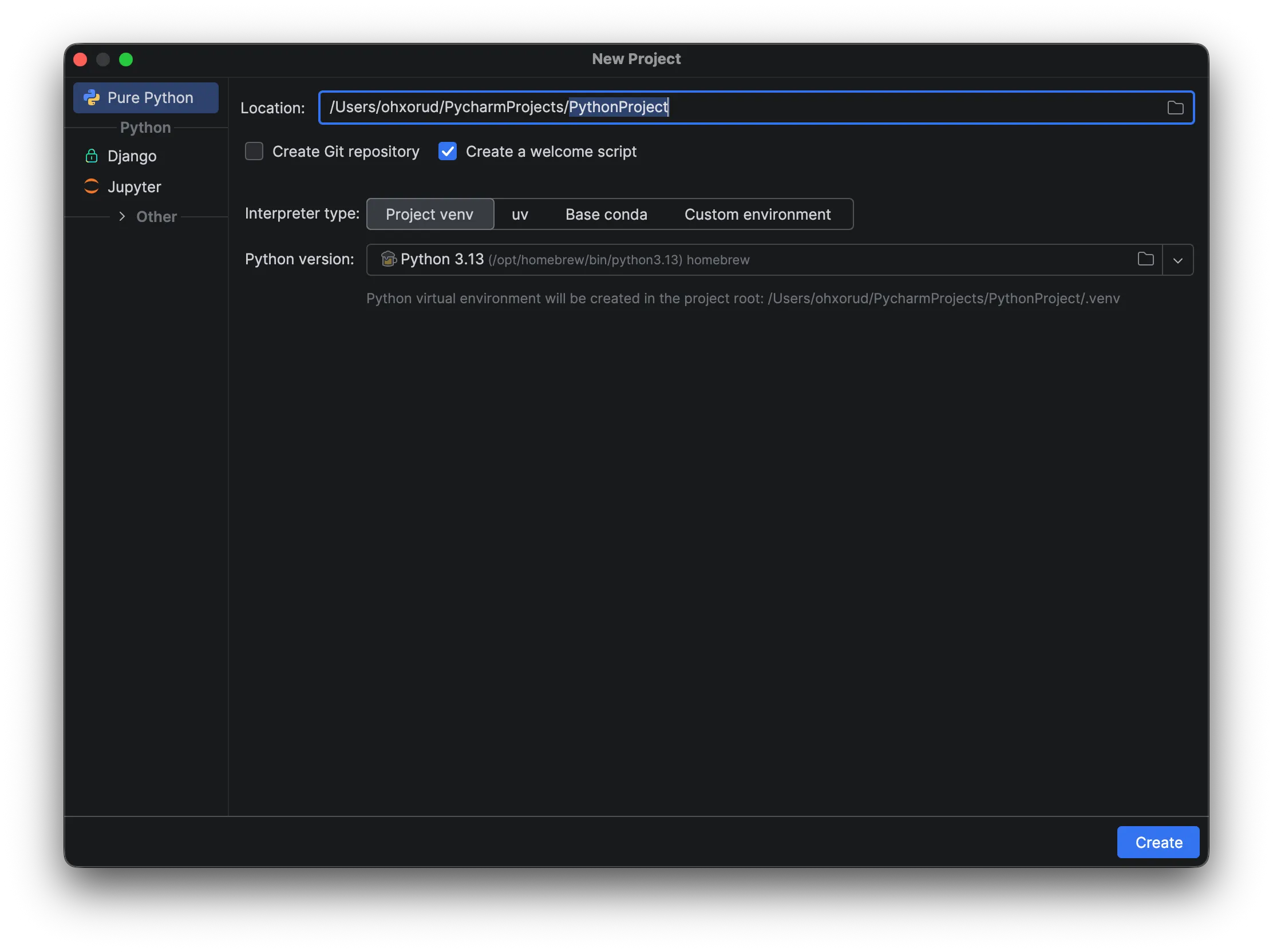 In the PythonProject field, enter your project name and click Create.
(We recommend using only English letters and no spaces.)
In the PythonProject field, enter your project name and click Create.
(We recommend using only English letters and no spaces.)
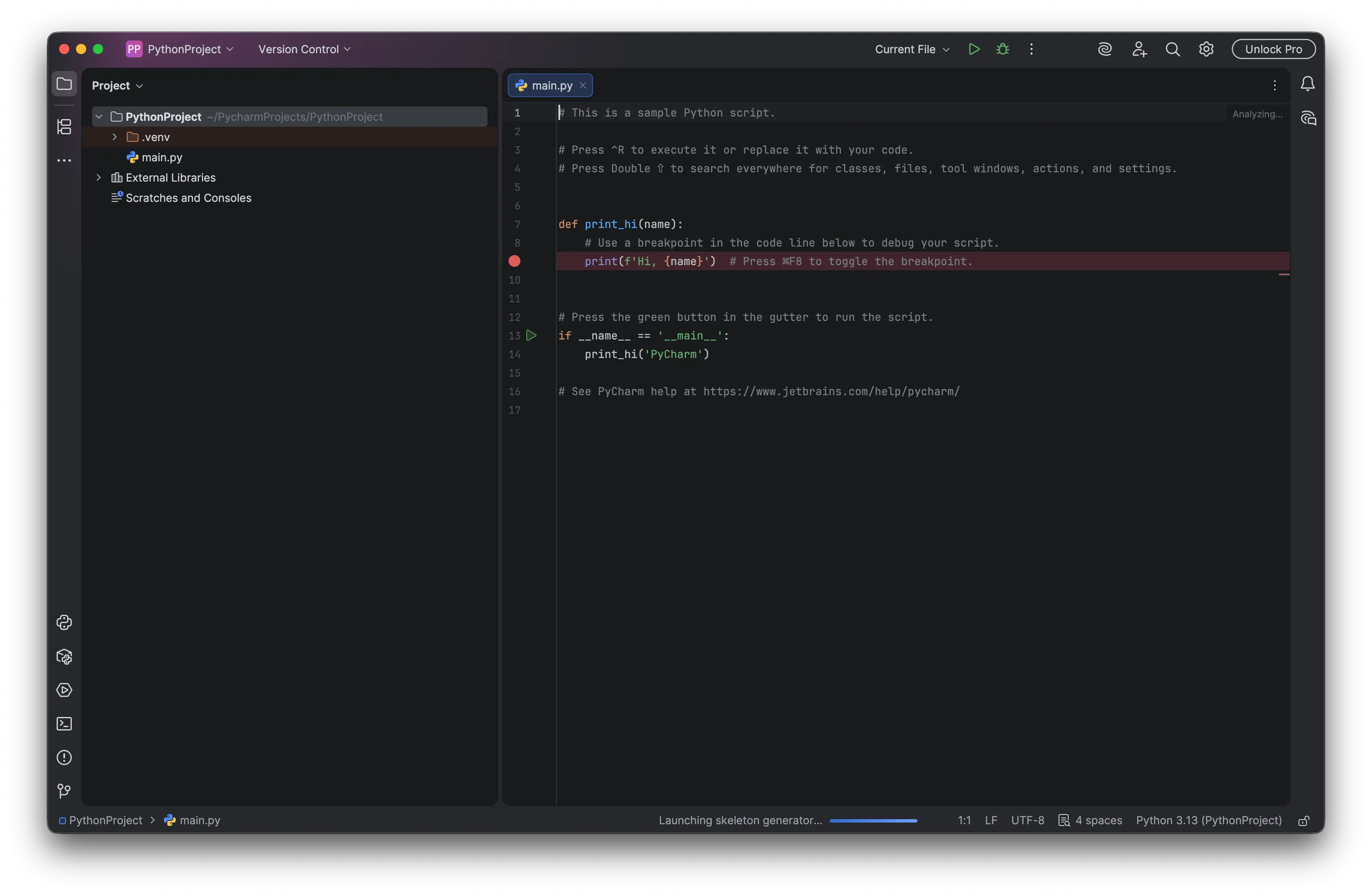
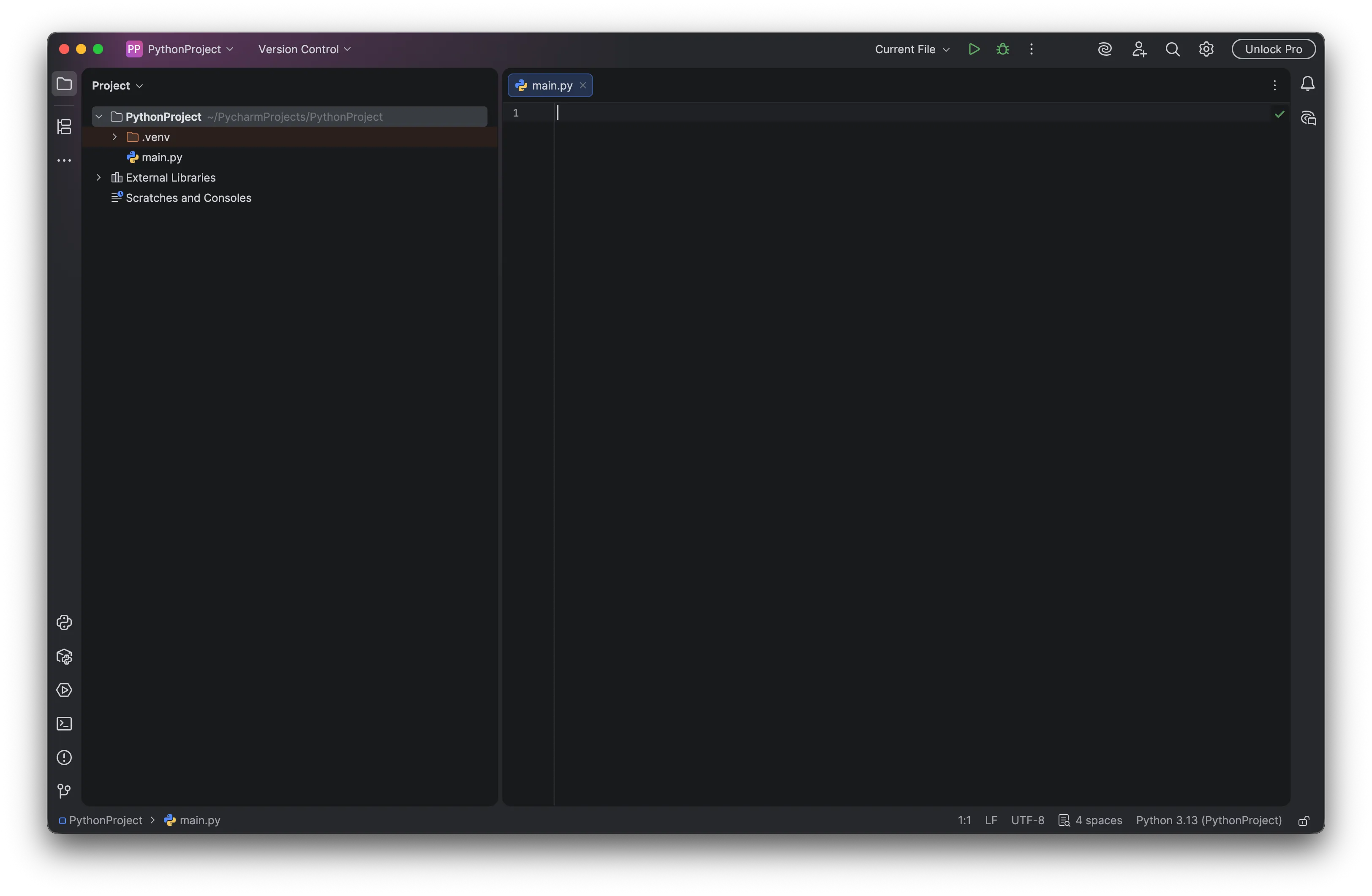
If you see this screen, you are all set! Delete the default code, leave it empty, and move on.